Planner
Visualize your time.
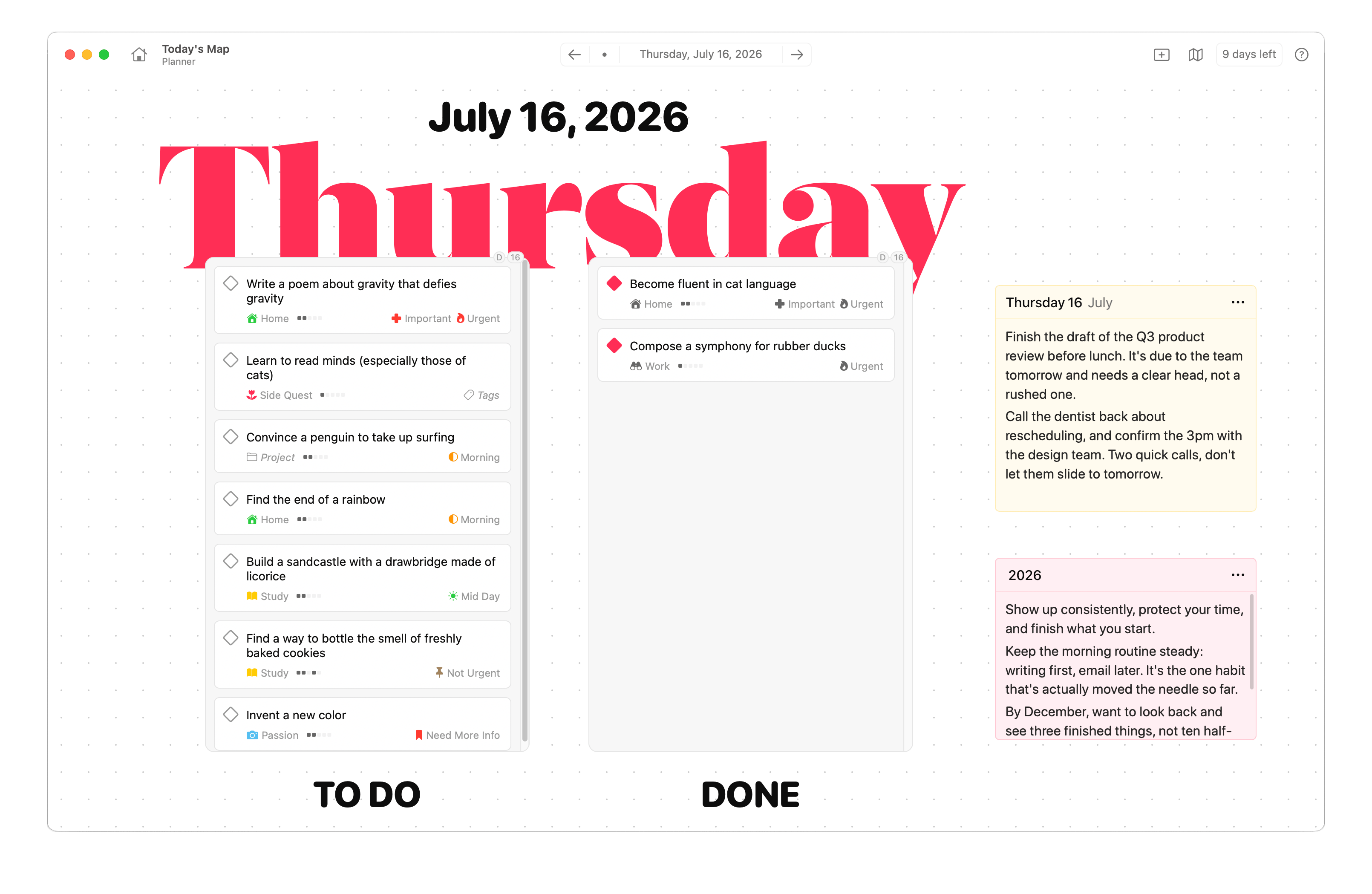
Compose the day your way. Blocks, lists, and reviews in one place — rearrange freely as the day shifts.
Ready for 2027
Dotty is a productivity sandbox where you create your own planning system.
 Mac
Mac
 iPhone
 iPad
iPad
 Watch
Watch
 Vision


Jane Roe is a startup founder splitting time between product, hiring, and a toddler at home.
Instead of scattering updates across docs and chats, she parks decisions in Dotty and shares the board with her team.
Visualize your time.
Compose the day your way. Blocks, lists, and reviews in one place — rearrange freely as the day shifts.
Getting things done, lightly.
Track work that matters without turning your life into a ticket queue. Projects stay visible and tied to the planner.
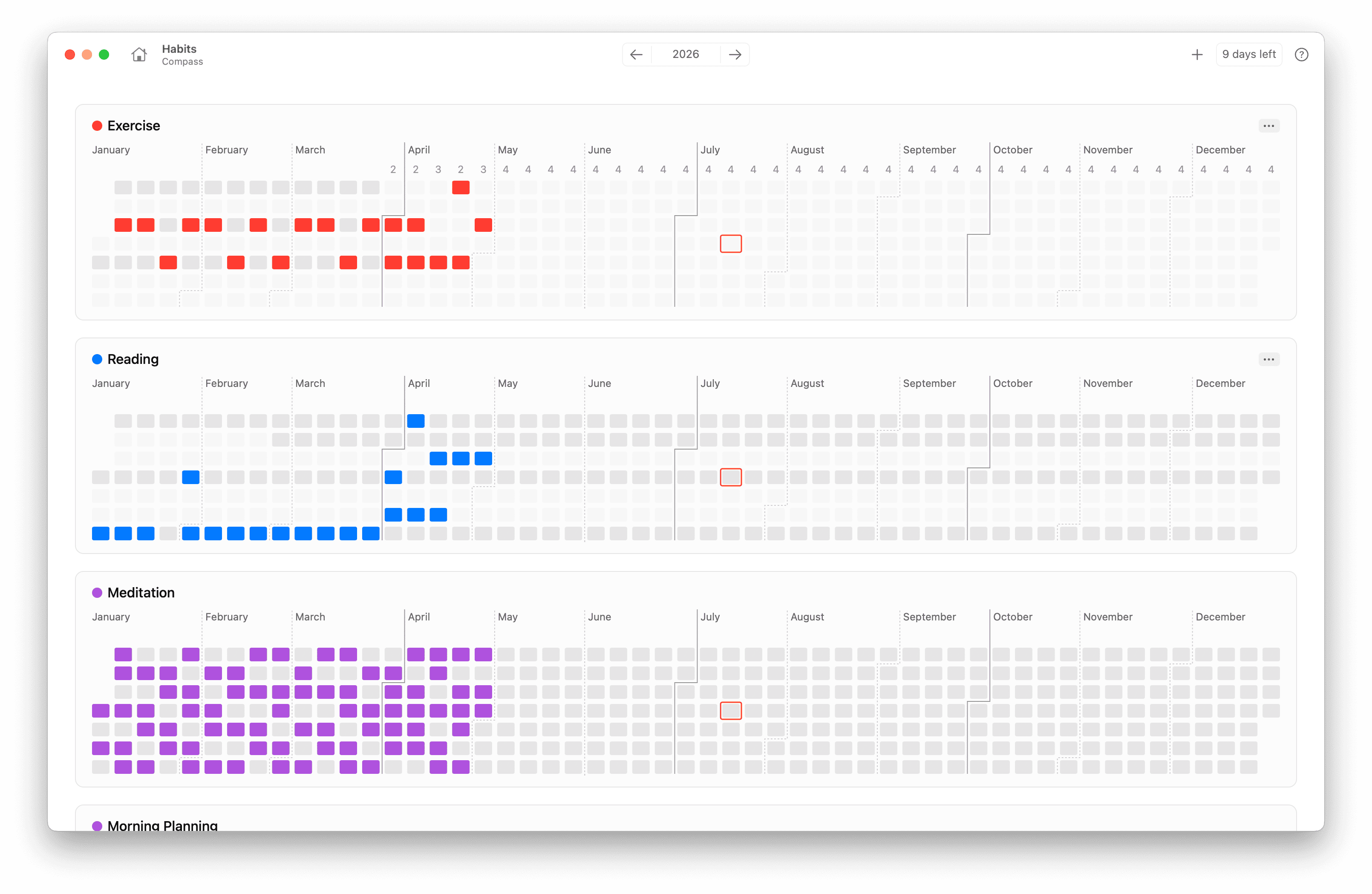
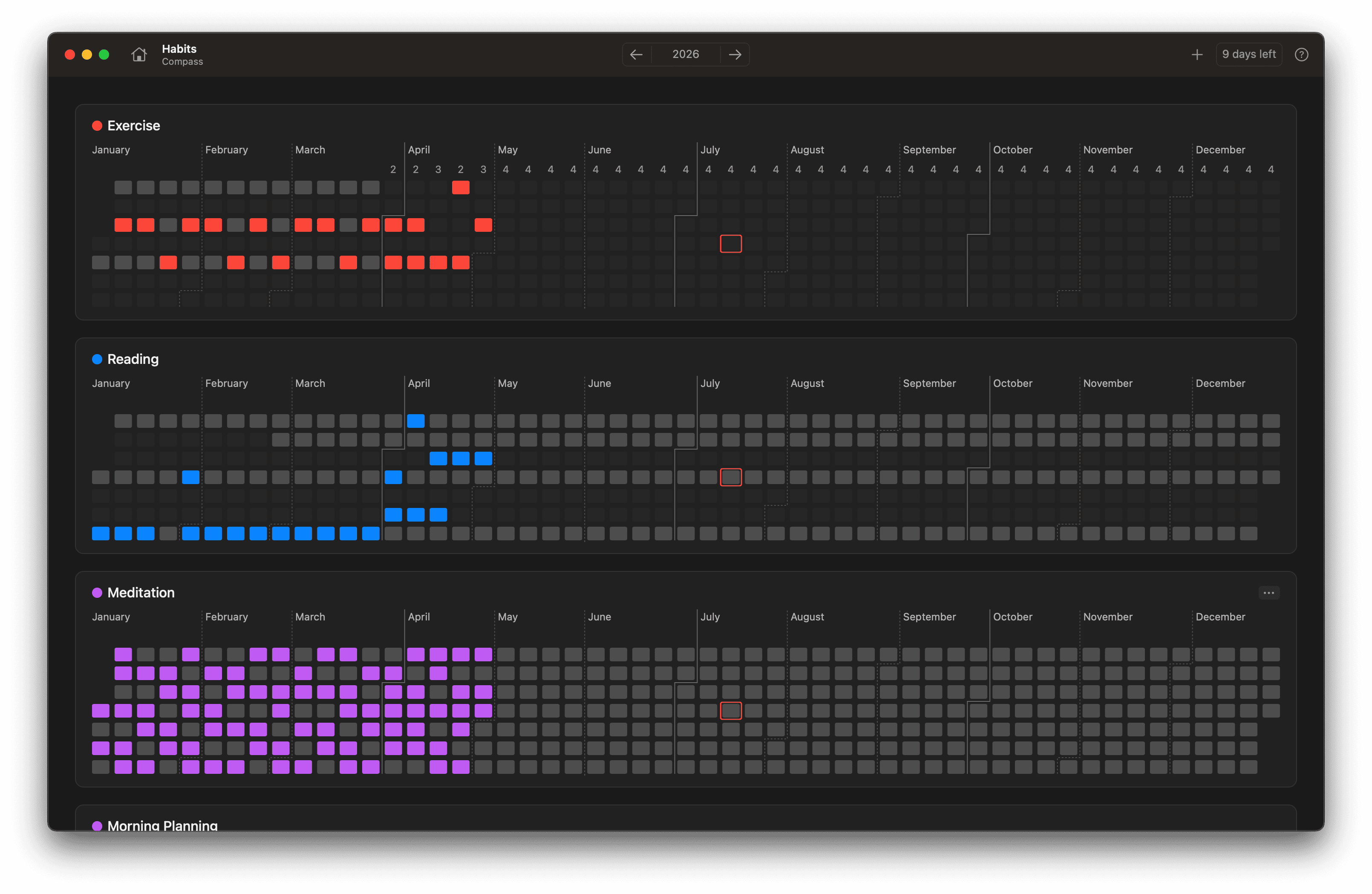
Small reps, big streaks.
Habits live in the same system as your plans — not a separate guilt dashboard. Check off from the day you’re already in.
Capture without leaving your system.
Write beside planners and projects so ideas don’t get stranded in another window. Keep reference next to action.
Know where the hours went.
See where the day went without a stopwatch ritual. Time stays attached to the work you’re already doing.
Yours, on your Mac.
Your boards live on your Mac. No account required to plan — sync stays optional, and your files stay yours.
Ready when you are.
Structured enough for the tools you already trust. Bring your own AI — or skip it. Dotty doesn’t lock you in.

You own the file. Your data lives on your Mac, not our servers. Compose a system that fits how you think instead of adopting someone else’s methodology wholesale.
No. Dotty is a sandbox where you invent the planner that fits you — Bullet Journal, time blocking, GTD-inspired setups, or something entirely your own.
It doesn’t have to. Dotty works with Apple Shortcuts, Reminders, Calendar, Raycast, Alfred, widgets, and whatever AI you trust — or none at all. Your tools, your rules.
No. Buy Dotty once and it’s yours forever. One-time and lifetime licenses, with a 7-day free trial. No subscription can be revoked, and no company shutdown can take your data away.
On your Mac, in a single file you control — not on our servers. That file stays yours even after the trial ends.
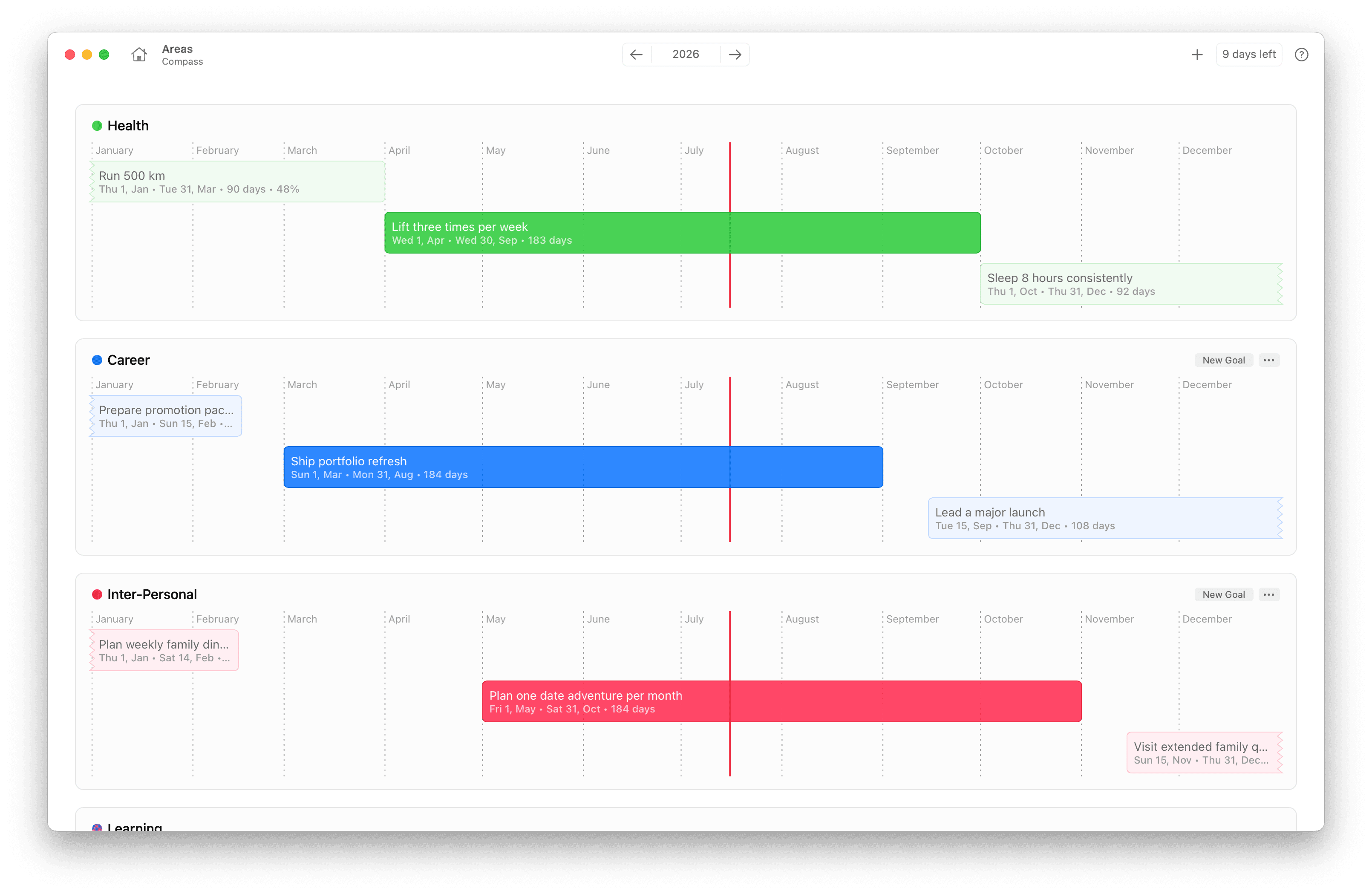
Daily and weekly planners, project boards, habit trackers, notebooks, goals, and flexible schedules — composed into one system that matches how you already work.
Dotty is exclusively on macOS today. iPhone, iPad, and Apple Watch support are planned for later.
We obsess over speed and efficiency. Dotty uses minimal CPU, RAM, and battery so it’s the last app you’ll ever need to close — even under heavy workloads.
Yes. Share planners, ask questions, and see how other people put Dotty to work. Private community access is included with every license.
Want to learn more about how it works?
Choose the license that’s right for you.
Try before your buy
Includes
Yours forever
Includes
Updates
Always up to date
Includes
Updates